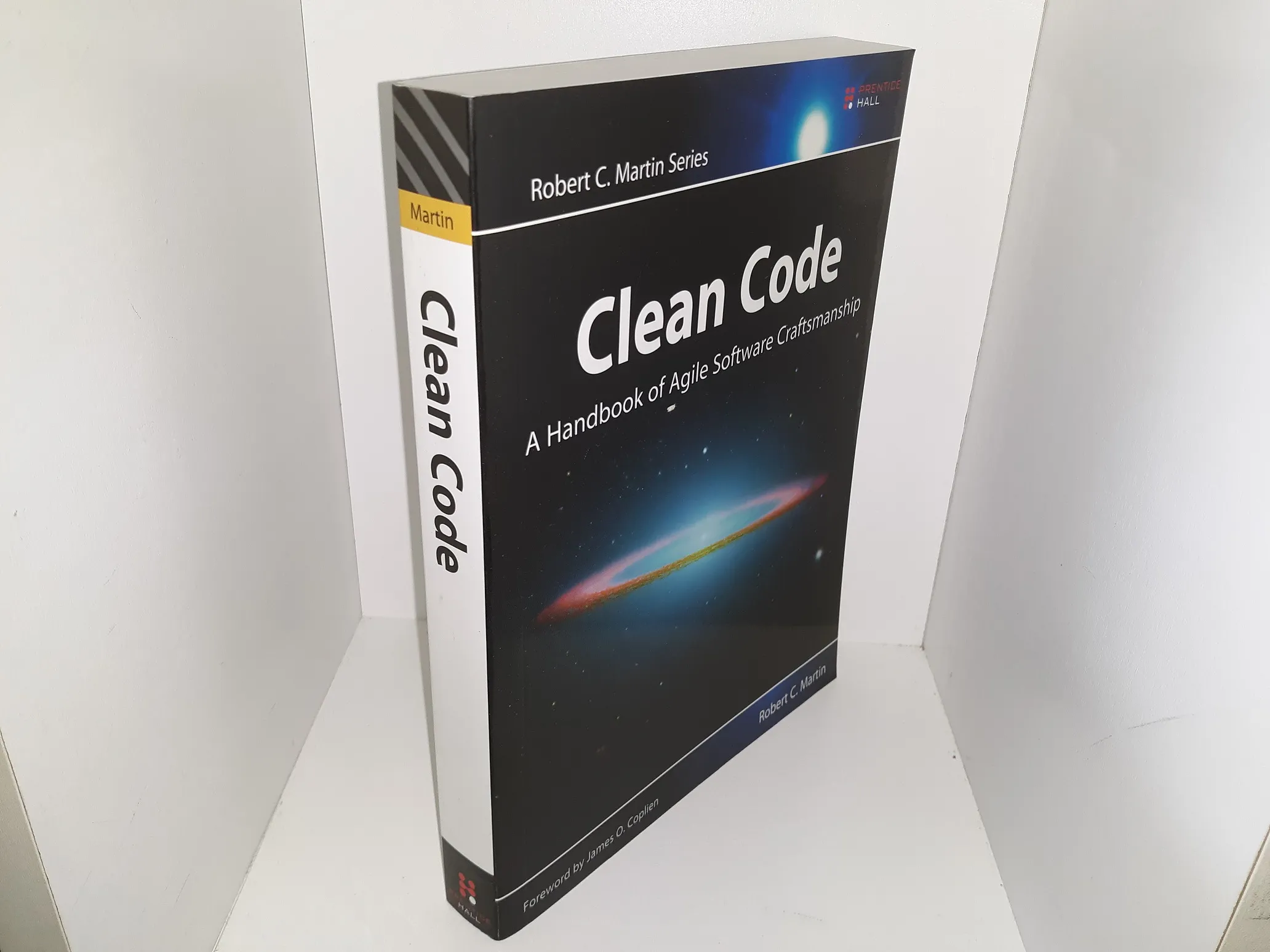
Clean Code Summary Book
28 February 2026
Thinking systems is stories to be told rather than programs to be written.
Quote
Leblanc law : later equals never .
Thinking systems is stories to be told rather than programs to be written.
INTRODUCTION
Yes, the full quote from "Clean Code" is:
"There are two parts to learning craftsmanship: knowledge and work. You must gain the knowledge of principles, patterns, practices, and heuristics that a craftsman knows, and you must also grind that knowledge into your fingers, eyes, and gut by working hard and practicing."
This quote emphasizes the importance of both theoretical knowledge and practical experience in becoming a skilled software developer. It's not enough to simply read about good coding practices; you must also put them into practice through hard work and practice to truly master the craft.
PART 1
CLEAN CODE
- Clean code can be read and enchanted by another developer than the original author. It should be elegant and efficient. The logic should be straightforward to make it hard for bugs to hide, and dependencies should be minimal to ease maintenance.
PART 2
NAMING
- Class names should have noun phrase names like
Customer,WikiPage,Account. - Method names should have verbs like
postPayment,deletePage.
PART 3
Chapter 3 of "Clean Code" by Robert C. Martin is titled "Functions." This chapter focuses on writing clean, concise, and effective functions. Here are the key principles and guidelines highlighted in the chapter:
Small Functions Functions should be small, ideally no more than a few lines. Small functions are easier to read, understand, and maintain. They also encourage reuse and easier testing.
Do One Thing Functions should do one thing and do it well. If a function has multiple responsibilities, it is a candidate for refactoring into smaller, more focused functions.
Use Descriptive Names The name of the function should clearly describe what it does. Avoid ambiguous names and aim for names that reveal the intent of the function.
Avoid Side Effects Functions should avoid causing side effects, which are changes to the state outside their scope or observable interactions with outside functions or classes. Side effects can make the code unpredictable and difficult to debug.
Use the Command-Query Separation Principle Functions should either perform an action (a command) or return a value (a query), but not both. Mixing these responsibilities can lead to confusion and bugs.
Keep Function Arguments Minimal Functions should have minimal parameters. Ideally, a function should have zero to two parameters. More than three parameters often indicate that the function is doing too much and needs to be split into smaller functions.
Avoid Flag Arguments Passing a boolean flag to a function indicates that the function does more than one thing—one thing when the flag is
trueand another when it isfalse. This breaks the rule of functions doing only one thing and can be split into two separate functions.Use Clear and Consistent Formatting Consistent formatting and indentation are essential for readability. Well-formatted code makes it easier for other developers to understand and maintain the function.
Functions Should Be at One Level of Abstraction Functions should operate at a single level of abstraction. Mixing high-level operations (like business logic) with low-level operations (like handling strings or file I/O) in the same function reduces readability and clarity.
Return Early Functions should return as early as possible to avoid deep nesting and improve readability. This makes it clear where a function exits and reduces the complexity of reading through multiple nested conditional blocks.
Prefer Exceptions to Error Codes Functions should throw exceptions rather than return error codes. Returning error codes often results in error-handling code scattered throughout the codebase, which can be hard to manage. Exceptions centralize error handling, making the code more readable and maintainable.
DRY (Don’t Repeat Yourself) Avoid duplication in functions. Repeated code can lead to bugs and maintenance challenges. Instead, refactor common functionality into separate functions.
Function Dependencies Functions should minimize their dependencies on other parts of the code. This reduces the complexity of understanding and maintaining the function and enhances modularity and reusability.
Dijkstra said that every function, and every block within a function, should have one entry and one exit. Following these rules means that there should only be one return statement in a func- tion, no break or continue statements in a loop, and never, ever, any goto statements.
PART 4
In Part 4 of Clean Code, Robert C. Martin discusses the proper use of comments in code and emphasizes the principle that comments are generally a sign of failure. He argues that good code should be self-explanatory through clear naming and structure, which reduces the need for comments. Here are the key points from this section:
Comments as a Failure Martin argues that if you feel the need to write a comment, it often means that the code isn't clear enough. Instead of using comments to explain what the code does, strive to write self-explanatory code with meaningful names and clean structure.
Good vs. Bad Comments While most comments are considered unnecessary, there are some types of comments that can be useful in specific cases. However, unnecessary or misleading comments should be avoided as they can create clutter and confusion.
Good comments:
- Legal information or licensing at the top of a file.
- TODO comments to indicate work that still needs to be done.
- Warnings about specific consequences of using the code.
- Javadocs or documentation in public APIs can be useful.
Bad comments:
- Redundant comments that restate what the code is doing.
- Comments that explain “why” the code is there but could have been avoided with clearer code.
- Outdated comments that no longer align with what the code does.
Misleading or Incorrect Comments Martin points out that outdated or incorrect comments are worse than no comments at all, as they lead to confusion. It’s easy for comments to become stale as the code evolves, so keeping comments up to date requires extra effort.
Redundancy and Noise Comments that merely restate what the code does add noise and should be removed. For example, writing a comment that explains the function name when the name itself is clear is unnecessary.
Clarifying Code Over Commenting The overarching message is that, rather than relying on comments to clarify confusing code, programmers should invest in clean, readable code. Well-named functions, variables, and classes make the intent clear, which minimizes the need for extra explanations.
PART 5
“The purpose of formatting is to make the code easy to read and understand. The code you write today will be read by someone else tomorrow, and that someone else may very well be you. Formatting is a key to maintaining the structure and clarity of your code.”
In Part 5 of Clean Code, Robert C. Martin discusses the importance of proper formatting in code and how it impacts readability, maintainability, and the ability to communicate effectively through code. Here are the key points from this section:
The Purpose of Formatting The primary goal of formatting is to communicate the structure of code to those reading it. Proper formatting helps others (or yourself) to quickly understand the logic and flow of the program. Good formatting ensures that the code is easy to scan, follow, and comprehend.
Vertical Formatting
- Vertical Openness: Adding blank lines to separate different sections of code makes it easier to see the structure and intentions of the code.
- Vertical Density: Related lines of code should be placed together, minimizing the number of vertical spaces between them, which conveys that they belong together logically.
- Vertical Distance: Concepts that are related should be kept close to each other. If two things (e.g., variable declarations and their use) are far apart vertically, it can make the code harder to understand.
- Horizontal Formatting
- Horizontal Openness: Ensure that lines are not too long. It is generally better to limit the length of a line of code to a reasonable width (typically around 80-120 characters). This helps with readability, especially when working on multiple monitors or reviewing code in print.
- Consistent Indentation: Proper indentation visually represents the structure and nesting of your code. It should be used consistently to show logical groupings like loops, conditionals, and functions.
- Horizontal Density: Just like vertical formatting, ensure that elements on the same line that are logically related (such as operators and operands) are close together, while separate concepts should have appropriate spacing.
Team Conventions Martin emphasizes that consistency in formatting across a team is crucial. Having coding standards that everyone adheres to will make the code base easier to maintain and collaborate on. The formatting style should be agreed upon and enforced across the entire team, and any personal preferences should be set aside for the sake of uniformity.
Indentation and Nesting
- Minimize Nesting: Deeply nested structures (e.g., multiple layers of
iforforstatements) make code harder to read and understand. Martin advises minimizing nesting by refactoring complex blocks into functions or by using early returns. - Consistent Indentation: Indentation should clearly show the structure of the code. Every level of logical nesting should increase the indentation by a fixed amount.
- Breaking Code into Sections
- Related code should be grouped together to make it easy for others to understand the purpose of each section. Code should be organized logically, for example, placing helper functions at the bottom of the file or keeping public methods together at the top.
- Use of Comments for Sections: Occasionally, using comments to divide sections of code (such as method declarations or configuration blocks) can be helpful. However, the code itself should ideally be clear enough to communicate these divisions.
- Code Formatting Tools Tools like code formatters or linters can help maintain consistency in formatting throughout the codebase. Automated formatting tools reduce subjective decisions and help ensure uniformity, regardless of individual preferences.
PART 6
In Part 6 of Clean Code, Robert C. Martin explores the differences between objects and data structures and how to design them effectively. The section emphasizes the importance of encapsulation and choosing the right approach depending on the needs of your code.
Objects vs. Data Structures
- Objects: Encapsulate both data and behavior. Objects expose behavior (methods) while hiding the data (private fields). This allows changes to the internal data structure without affecting the external interface, making it easier to maintain.
- Data Structures: Expose the data and have no significant behavior. These structures simply store and provide access to the data, making them easier to manipulate directly, but they lack the protective encapsulation of objects.
The Law of Demeter (Principle of Least Knowledge)
- The Law of Demeter suggests that objects should only talk to their immediate "friends" and avoid interacting with objects that they have no direct relationship with. This reduces dependencies and keeps interactions limited to necessary ones.
- Avoid chaining method calls like
object.getX().getY().doSomething(), which exposes internal details of objects unnecessarily.
Data/Object Anti-Symmetry
- Martin introduces the concept of data/object anti-symmetry, which highlights the trade-off between data structures and objects:
- Objects hide data and expose behavior.
- Data structures expose data and have little or no behavior.
- Both approaches have their use cases. Objects are preferable when behavior and encapsulation are important, while data structures are better when you need to work directly with data.
- Martin introduces the concept of data/object anti-symmetry, which highlights the trade-off between data structures and objects:
Handling Procedural Code
- Procedural code tends to manipulate data structures directly and focus on the flow of data through functions. While this can work well in certain cases, it’s generally harder to maintain because it breaks the principle of encapsulation.
- Martin advises that if you are working with data structures, keep the functions that operate on them separate from the data itself.
Encapsulation and Modifiability
- One of the key principles of object-oriented design is that objects should encapsulate their data, allowing for modifications to the data's internal structure without breaking external code.
- When designing objects, strive to hide implementation details and expose only meaningful operations. This makes your code more adaptable to future changes.
Data Transfer Objects (DTOs)
- Data Transfer Objects are an exception to the general rule about encapsulation. These objects are designed specifically to transfer data across system boundaries and are pure data structures. They expose their fields and are often used in APIs, database communication, or between services in a distributed system.
Choosing Between Objects and Data Structures
- When to use Objects: When the primary goal is to encapsulate behavior and hide the internal workings of the system, use objects. They help in managing complexity by focusing on the behavior rather than the data itself.
- When to use Data Structures: In cases where manipulation of the data itself is the primary concern, and the behavior is less important, data structures are the better option.
Object-Oriented Approach with Encapsulation (Products with Behavior)
In this example, the Product class encapsulates both data (name, price, stock) and behavior (methods to apply a discount, sell, and restock). This keeps the internal data hidden and only exposes meaningful methods for interacting with the object.
// product.entity.ts
export class Product {
  constructor(
    private name: string,
    private price: number,
    private stock: number,
  ) {}

  // Method to apply a discount to the product price
  applyDiscount(discountPercentage: number): void {
    const discountAmount = this.price * (discountPercentage / 100);
    this.price -= discountAmount;
  }

  // Method to sell the product, reducing stock
  sell(quantity: number): void {
    if (this.stock >= quantity) {
      this.stock -= quantity;
    } else {
      throw new Error('Not enough stock');
    }
  }

  // Method to restock the product by adding to the current stock
  restock(quantity: number): void {
    this.stock += quantity;
  }

  // Getters to expose data (if necessary)
  getName(): string {
    return this.name;
  }

  getPrice(): number {
    return this.price;
  }

  getStock(): number {
    return this.stock;
  }
}